Plan your trip · Thailand
Thailand connectivity: roaming, SIMs, eSIMs and Wi-Fi
A phone connection is useful in Thailand for hotel messages, meeting points and maps, but the best package depends on the phone and the trip. A short stay with adequate home roaming has different needs from weeks of video calls or an island journey. Decide what must work, check your device, and arrange an offline fallback before comparing offers.
- Suggested time
- Prepare the device before departure; test the connection before leaving the activation counter
- Where to stay
- Arrange the first connection at your arrival base; test hotel Wi-Fi before committing to important calls
- Season and timing
- All year; plan for power or connection interruptions and do not promise coverage from a countrywide map.
The short answer
Compare your home roaming with a current official local SIM or eSIM offer. Confirm device compatibility, coverage for the places you will stay, data allowance, speed restrictions, activation timing and whether a Thai phone number is included. Save the hotel address, tickets and essential contacts offline, and keep a payment method that still works if the data connection fails.
Roaming or a local plan: start with your own use
Check the home provider’s Thailand roaming terms first: daily or trip charge, included data, speed restrictions, calls, incoming texts and what happens after the allowance. Roaming can be convenient for a short trip if those terms fit your usage. Turn off automatic app updates and large cloud uploads on mobile data if you want to control consumption.
For a local plan, compare the actual operator offer on the purchase date. Check the current AIS or dtac tourist product directly for its price, data allowance, validity and activation terms. Use the official provider to confirm those conditions rather than a reseller headline alone; this guide does not provide an old package table as a current quote.
Check the phone before buying an eSIM
Confirm that the handset is unlocked for another network and supports the particular SIM or eSIM format. An eSIM-compatible model can still have restrictions depending on the version or home provider. Check whether installation needs an internet connection and whether validity starts at purchase, installation or first network use.
A data-only plan may not provide ordinary calls, texts or a Thai phone number. Ask whether you need those for the services you will use, and check how bank verification texts reach your home number. With two SIMs, identify the line used for data and disable unwanted roaming on the other line. Keep the installation instructions and recovery details somewhere other than the phone alone.
Make time for the local food
What to eat and where to look

Noodles in Yaowarat
A bowl of noodles makes a straightforward meal between Chinatown walks; choose a stall by the dish being cooked rather than a vague all-purpose menu.
- Where to look
- Yaowarat and the streets around Wat Mangkon in Bangkok.
- Fit it into your day
- Ask the price for the bowl, toppings and drink before ordering; keep cash for a small stall.
Broths and sauces may contain meat, seafood or fish sauce; confirm ingredients if you have an allergy.
A café meal between work sessions
Choose a clearly priced meal and drink at a café where you have asked about seating and connection arrangements.
- Where to look
- Cafés near your Bangkok or Chiang Mai base; ask about Wi-Fi and working etiquette before settling in.
- Fit it into your day
- Combine lunch with a short connection test, then use a proper quiet workspace for important calls.
Order food or drink, respect time limits, and do not assume a restaurant table is a free all-day office.
Coastal seafood
Fish and shellfish can be priced by weight or preparation rather than as a single meal. The useful comparison is the total cooked bill.
- Where to look
- Coastal restaurants and community markets around Hua Hin or your island base.
- Fit it into your day
- Ask the weight, cooking charge and total before the fish goes to the kitchen; share an agreed selection.
Shellfish is unsuitable for some allergies; confirm sauces and cooking arrangements.
Activation: leave with a working connection
Bring your original passport and ask the official operator what registration is required for the chosen product. Confirm the expiry, top-up process and customer-support route. At a staffed activation point, ask the seller to test a web page and the functions actually included before you leave; a SIM in the tray is not the same as a working connection.
Save the provider’s contact details and a screenshot of the purchased terms. If the plan has a high-speed allowance followed by a lower speed, understand that distinction before relying on it for a video call. Ask about tethering if you intend to connect a laptop. Do not give banking passwords, PINs or one-time codes to someone helping activate the device.
Wi-Fi for arrival and work: check the actual connection
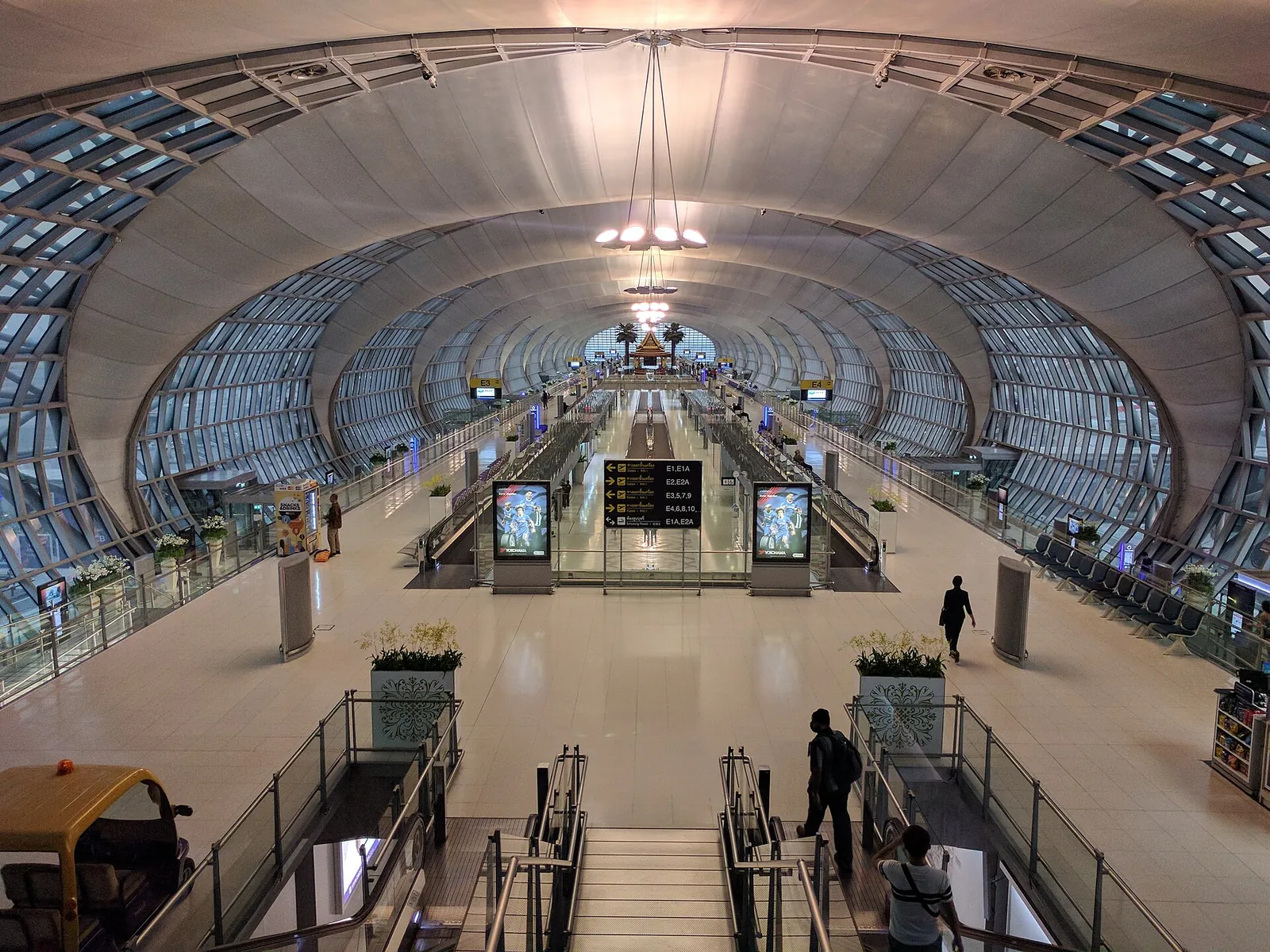
TAT’s September 2025 report on Suvarnabhumi mentions expanded charging points and faster Wi-Fi. That supports using airport facilities as a possible first connection, not a guarantee of access rules or performance on your arrival date. Save essential documents before flying so a login problem does not block your transfer.
TAT’s 2023 remote-work guide lists coworking examples in Bangkok, Chiang Mai, Phuket and Ko Pha-ngan. It is a useful pointer to the type of facility to look for, but the listed businesses, prices and availability have not been freshly checked. Ask the chosen space about opening hours, calls, power backup and day access before travelling there.
For a hotel work session, test upload as well as download, the connection in the actual room, and a short call at the time you expect to work. Ask whether the connection is shared, whether a quiet call space exists and whether mobile tethering is allowed by your plan. A hotel advertising Wi-Fi does not promise that a long video meeting will be comfortable.

Keep maps, money and help available offline
Download maps for the places you will stay and save the full hotel address, map pin, booking references, pickup instructions and insurance contact. Carry a charged power bank compatible with your airline’s rules and keep important information available if the handset is lost. A screenshot of a payment receipt or successful booking is more useful than a link you cannot reopen.
TAT’s July 2026 Trusted Thailand article says the Tourist Police app does not require a Thai SIM. It describes contact through 1155, GPS-assisted requests and multilingual chat. Install and explore it before you need help; live communication still needs a working connection. Keep emergency contacts separately as well.
A tourist QR wallet needs the device and connection to complete its functions. TAT’s TAGTHAi guidance describes app linkage and payment confirmation; it does not remove the need for a cash or card fallback. Do not let a phone problem become both a navigation problem and a payment problem.
A simple first-day test
Before leaving the airport or activation point, check that mobile data opens a page with Wi-Fi switched off. Check the selected data line, the remaining allowance and how to reach support. Send your arrival message and save the first meeting point.
At the hotel, charge the phone and test the room connection. For a remote or island stay, ask about reception at the property rather than assuming the same signal as the main town. Keep enough offline information and a second payment method to finish the day if the connection drops.
Practical questions
Do I need a Thai SIM for a short holiday?
Not necessarily. Compare your home roaming terms with a current official local offer, including data, calls, speed restrictions and the way validity starts.
Does every tourist eSIM include a Thai number?
No assumption is safe. Some products are data-only; confirm calls, texts and number provision before buying, especially if a service requires verification by text.
Can I quote a current tourist SIM price from this guide?
No. Compare the current provider offer for your dates and device, including allowance, validity, speed restrictions and activation, rather than relying on an old package table.
Is hotel Wi-Fi enough for remote work?
Test the connection in the actual room and at your working time. Check upload, call quality, quiet space and a backup before committing to important meetings.
Do I need a Thai SIM to use the Tourist Police app?
TAT’s July 2026 guidance says no. Live requests and chat still need a working connection, so install it beforehand and keep emergency contacts separately.
What should I save offline?
Hotel addresses and map pins, tickets, meeting points, insurance and bank contacts, operator support details and proof of important bookings. Keep a backup accessible if the phone is lost.
Sources and checks before you travel
Reference sources for the version dated 7 October 2026. Confirm opening times, access, transport and conditions for your travel dates.
- Tourism Authority of Thailand: Trusted Thailand and travel safety ↗ — opens in a new tab
- Tourism Authority of Thailand: Suvarnabhumi Airport service improvements ↗ — opens in a new tab
- Tourism Authority of Thailand: Thailand as a destination for remote work ↗ — opens in a new tab
- Tourism Authority of Thailand: Tourist e-wallet TAGTHAi Easy Pay ↗ — opens in a new tab
Photo credits
Save arrival details offline before relying on an airport connection.
Photograph: Grendelkhan — opens in a new tab · CC BY-SA 3.0 — opens in a new tab
Changes: Resized and converted to WebP; displayed with responsive crops. · Original photograph and licence details ↗ — opens in a new tab
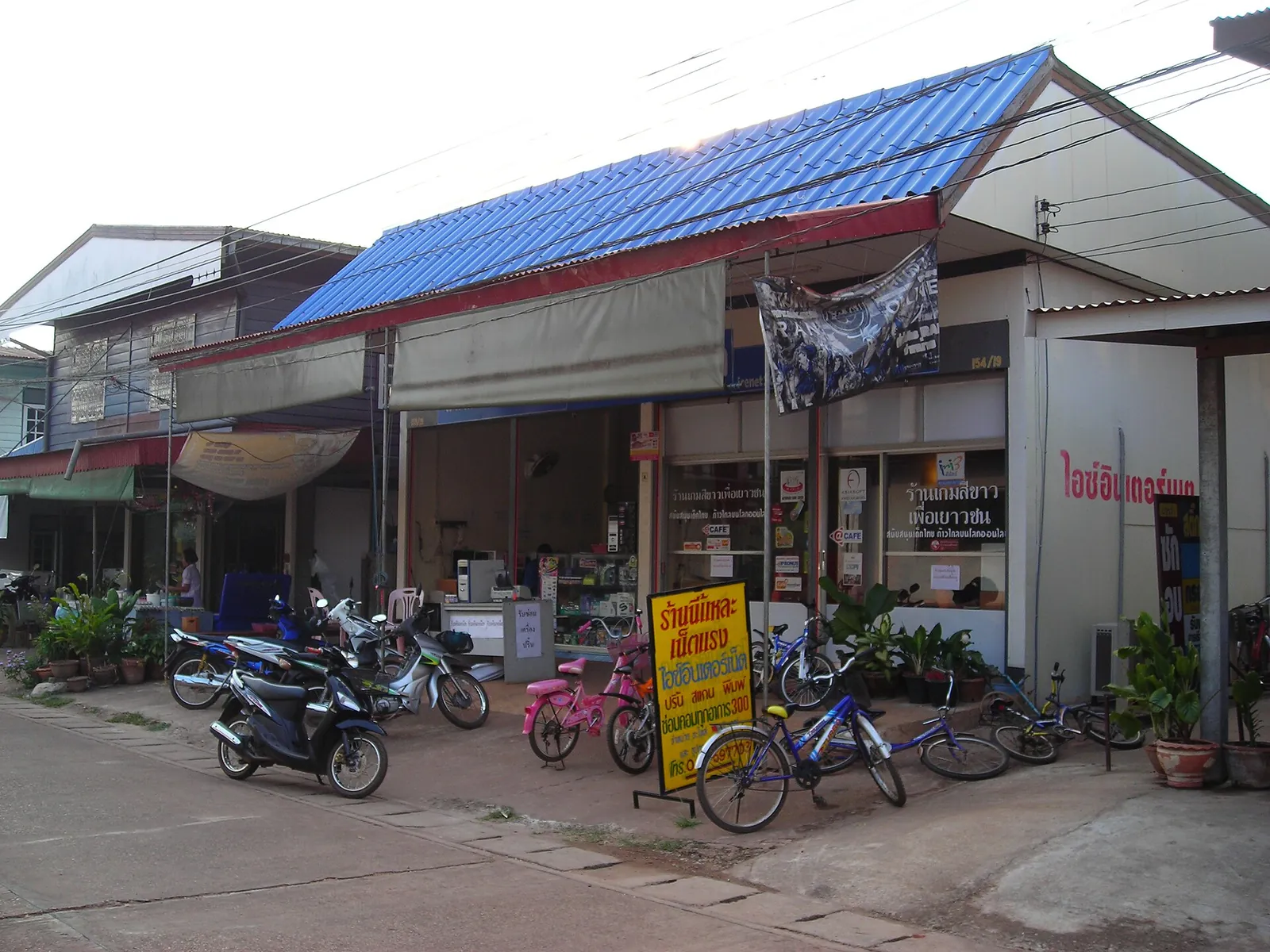
A historical internet café photograph from Na Wa; check current opening and facilities before relying on any shared connection.
Photograph: User:Mattes — opens in a new tab · Public domain — opens in a new tab
Changes: Resized and converted to WebP; displayed with responsive crops. · Original photograph and licence details ↗ — opens in a new tab
A staffed operator shop in Bangkok; confirm the current package and activation conditions.
Photograph: Sry85 — opens in a new tab · CC BY-SA 4.0 — opens in a new tab
Changes: Resized and converted to WebP; displayed with responsive crops. · Original photograph and licence details ↗ — opens in a new tab
Order a drink and ask about working etiquette before testing a café connection.
Photograph: Vyacheslav Argenberg — opens in a new tab · CC BY 4.0 — opens in a new tab
Changes: Resized and converted to WebP; displayed with responsive crops. · Original photograph and licence details ↗ — opens in a new tab