Plan your trip · Singapore
Singapore SIM and eSIM: arrival setup, WiFi and practical checks
Singapore connectivity planning starts with what you need the phone to do. Maps and messaging are different requirements from ordinary calls, text-message codes and a local telephone number. Decide those needs before buying the largest advertised data allowance. A connection that fits your device and can be activated when you need it is more useful than a bundle chosen only for its headline volume.
- Suggested time
- Use before departure and throughout a 3 to 5 day stay
- Where to stay
- Choose one central hotel area and organise errands around your actual station entrance.
- Season and timing
- Plan sheltered breaks and check the current weather before outdoor outings.
The short answer
For a 3 to 5 day stay, compare your existing roaming arrangement with a tourist SIM or eSIM, check device compatibility and the actual calling features, and save the hotel address offline. Use Changi’s WiFi to finish setup before leaving if needed. Keep one central hotel base and test the connection there before arranging a distant outing.
Compare features before choosing a plan
Write down whether you need data only, conventional calls, SMS or onward-country roaming. Check the current provider terms for each item rather than assuming that a tourist product includes them all. When checked on 3 October 2026, Singtel’s hi! Tourist terms described its eSIM product as data-only and also contained restrictions tied to passport registration. Do not infer ordinary calling or SMS access from a Singapore number or a marketing headline.
For an eSIM, confirm your exact phone model and the provider’s compatibility instructions before purchase. If you prefer a physical SIM, check how you will keep your home service available and whether the phone permits the arrangement you intend. Activation timing and plan expiry matter on a short trip: read those terms before installing, and keep the confirmation somewhere you can retrieve without the new connection.
Use airport WiFi as a setup opportunity
Changi’s official connectivity page, checked on 3 October 2026, lists free #WiFi@Changi in public and transit areas. It instructs users to select the network and open a browser to reach the connection page. Use that pause to open your reservation, identify the hotel’s exact address and follow the provider’s setup instructions, rather than trying to install a new profile while also finding your transport.
Changi’s SIM directory lists outlets by terminal and distinguishes public from transit locations. Choose a counter you can actually reach after your arrival; a shop behind departure security is not interchangeable with one in the arrival hall. The airport page says SIM registration requires identification such as a passport. Keep the relevant document ready and ask the seller about the selected product’s current activation process.
Make time for the local food
What to eat and where to look
Hainanese chicken rice
Chicken served with seasoned rice and sauces.
- Where to look
- Maxwell or Chinatown chicken-rice menus.
- Fit it into your day
- A seated arrival-day lunch after reaching your hotel.
Ask about stock and sauces if ingredients matter.
Laksa
A rich noodle soup associated with Singapore cooking.
- Where to look
- Katong eateries or a clearly labelled laksa stall.
- Fit it into your day
- Choose it for one proper lunch rather than a hurried transit snack.
Check seafood and other ingredients with the cook.
Kaya toast
Toast with kaya, commonly ordered as a breakfast choice.
- Where to look
- Kopitiams and breakfast cafés around your hotel.
- Fit it into your day
- Eat before the first outing while checking the day’s plans.
Ask about egg and dairy ingredients and accompanying items.
Test the functions you will use outside the hotel
After activation, test a map search and the messaging method you expect to use for bookings. If conventional calls or SMS are important, confirm those functions separately. A successful browser page only proves data is working at that moment. Ask the provider for help if the product does not match the features you bought.
Before leaving airport WiFi, save the hotel name, street address and a clear arrival instruction. Retain the provider’s support contact and any installation record. At the hotel, check the connection again while you have time to solve a problem. Avoid deleting an eSIM profile as an improvised fix unless the provider’s own instructions tell you how replacement or reinstallation works.
Prepare for a day without dependable phone access
Keep essential booking references and the hotel address offline, and agree a meeting place with your companions. For a Chinatown food walk, that could be your selected centre or the hotel lobby; for a Katong outing, choose a specific eatery or station entrance rather than the entire district. The fallback should be understandable without sending another message.
If you use a phone wallet for transit, remember that connection and payment are separate systems. SimplyGo’s guidance says mobile payment needs a powered device and may depend on the wallet’s network requirements. Carry a separate payment backup and a charged phone; do not assume buying a large data plan solves battery or wallet compatibility problems. Check your chosen provider’s coverage rather than promising uninterrupted access on islands or wooded routes.
Let the connection support the itinerary
A central base at Chinatown, Bugis or City Hall can make the first evening straightforward: check in, eat nearby, then finish any unresolved setup while seated. Choose the hotel for its transport and meal access, and ask about its WiFi if that will be important to your stay. No hotel-area name establishes a particular room’s connection quality.
The optional link is a Singapore city-tour collection, not a SIM seller or connectivity guarantee. A guided outing can reduce navigation decisions, but inspect the product’s meeting point and retain it offline. For the Changi journey, use the airport’s current transport guidance and final hotel connection. Complete the most important setup before departure from the terminal, then keep the first day light enough to handle a provider query.
Practical questions
Is a tourist eSIM guaranteed to include calls and SMS?
No. Inspect the exact product terms. Singtel’s checked Tourist eSIM terms describe a data-only product; other offers need their own verification.
Can I set up using Changi WiFi?
Changi lists free #WiFi@Changi in public and transit areas. Follow its connection instructions, then the selected provider’s setup guidance.
What should I have ready for a SIM purchase?
Changi’s directory says registration needs identification such as a passport. Check the selected provider’s current eligibility and registration instructions.
What should I save offline?
Keep your hotel address, arrival directions, provider support details and booked meeting points available without mobile data.
Sources and checks before you travel
Reference sources for the version dated 3 October 2026. Confirm opening times, access, transport and conditions for your travel dates.
- Changi Airport: free WiFi ↗ — opens in a new tab
- Changi Airport: SIM outlets and registration ↗ — opens in a new tab
- Singtel: Tourist plan terms ↗ — opens in a new tab
- SimplyGo: mobile wallet guidance ↗ — opens in a new tab
- Singapore Tourism Board: local food ↗ — opens in a new tab
- Singapore Tourism Board: Chinatown ↗ — opens in a new tab
- Changi Airport: leaving the airport ↗ — opens in a new tab
- Changi Airport: airport code ↗ — opens in a new tab
- Viator: Singapore city tours collection ↗ — opens in a new tab
Does this experience fit your route?
Compare the collection only if a guided outing fits the day you have planned.
Browse relevant experiences on Viator ↗ — opens in a new tabAffiliate link · Book with ViatorPhoto credits
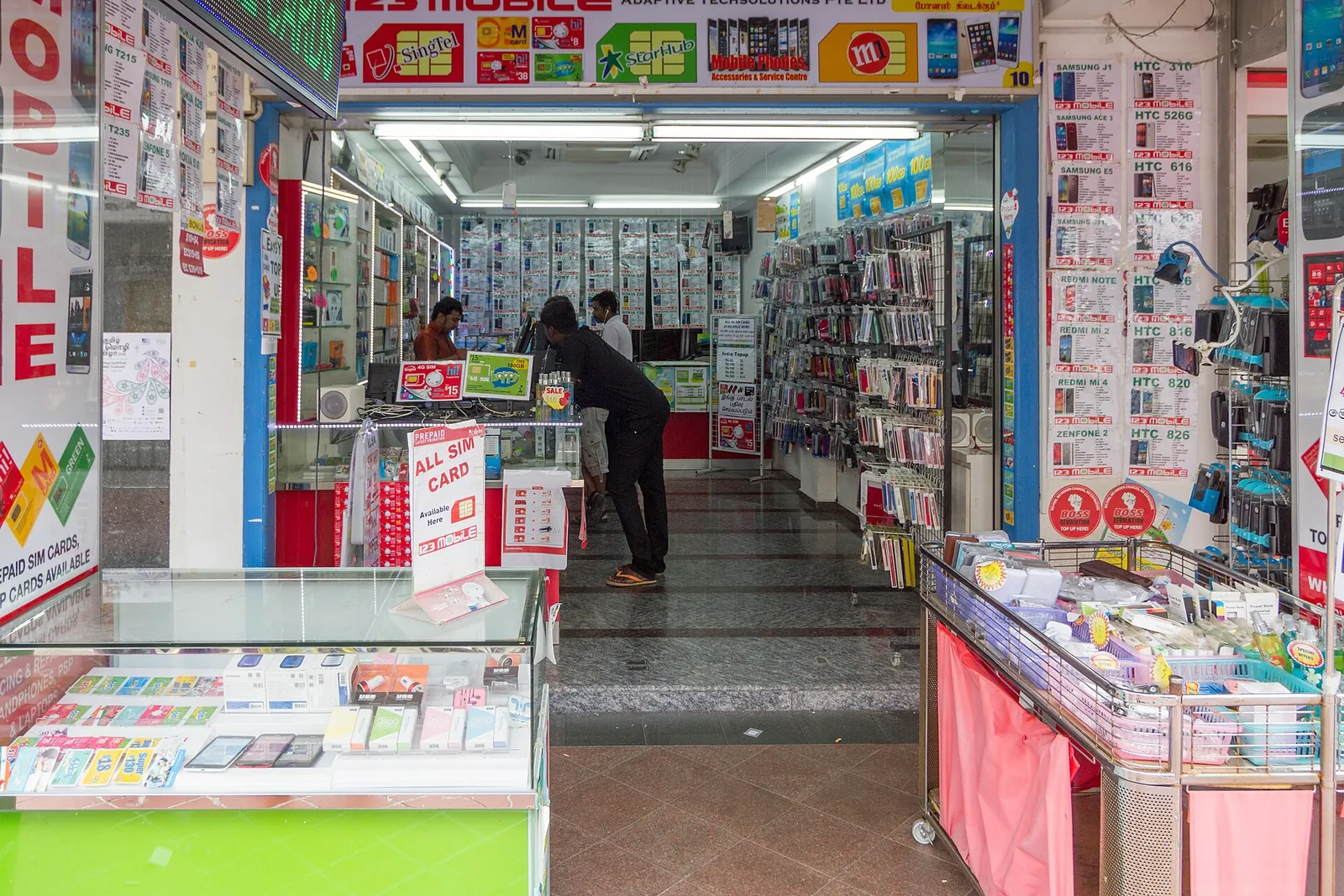
A mobile-phone shop photographed in Singapore.
Photograph: Maksym Kozlenko — opens in a new tab · CC BY-SA 4.0 — opens in a new tab
Changes: Resized and converted to WebP; displayed with responsive crops. · Original photograph and licence details ↗ — opens in a new tab
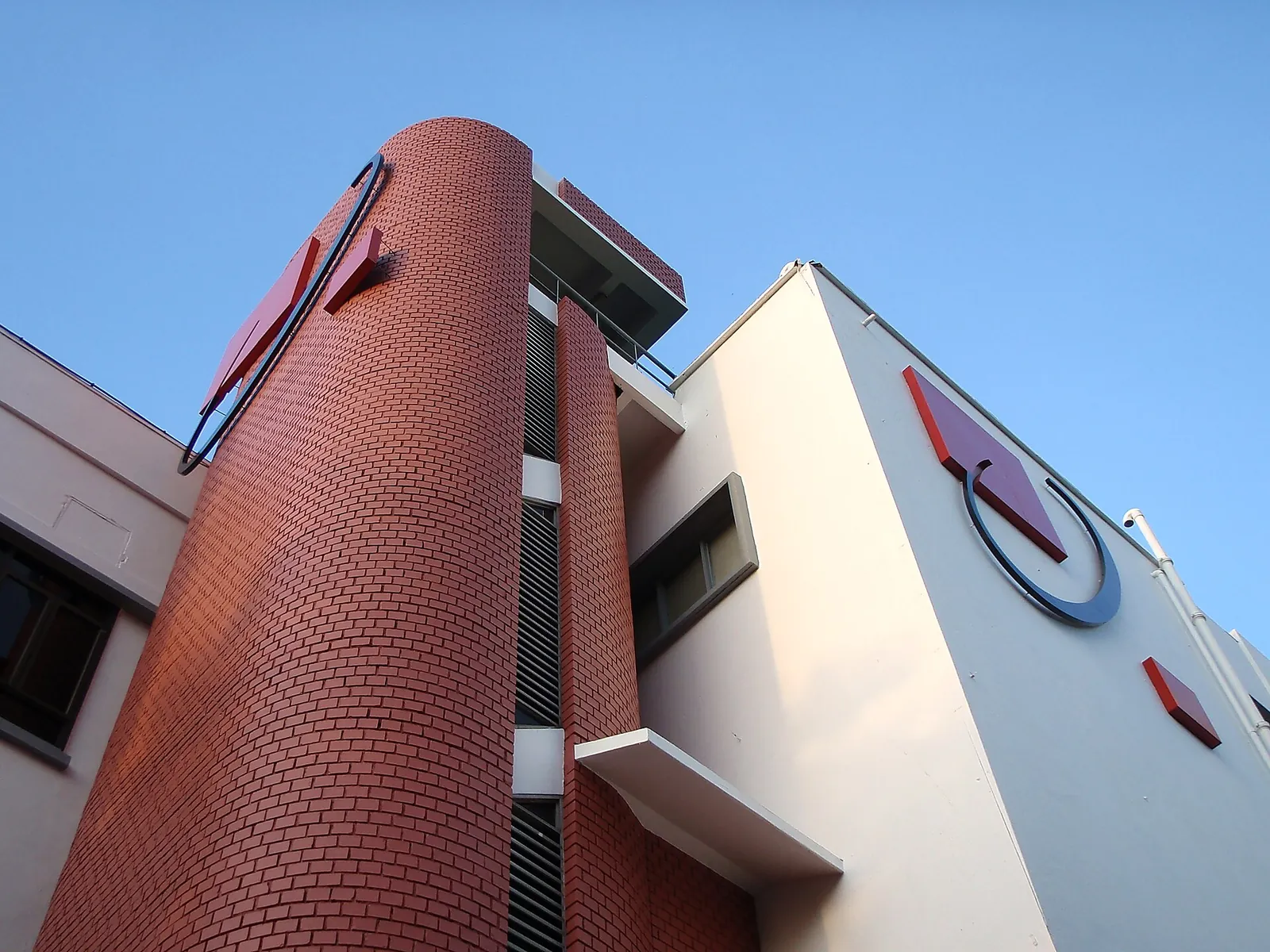
Queenstown Telephone Exchange, photographed historically; a telecommunications landmark.
Photograph: yeowatzup — opens in a new tab · CC BY 2.0 — opens in a new tab
Changes: Resized and converted to WebP; displayed with responsive crops. · Original photograph and licence details ↗ — opens in a new tab
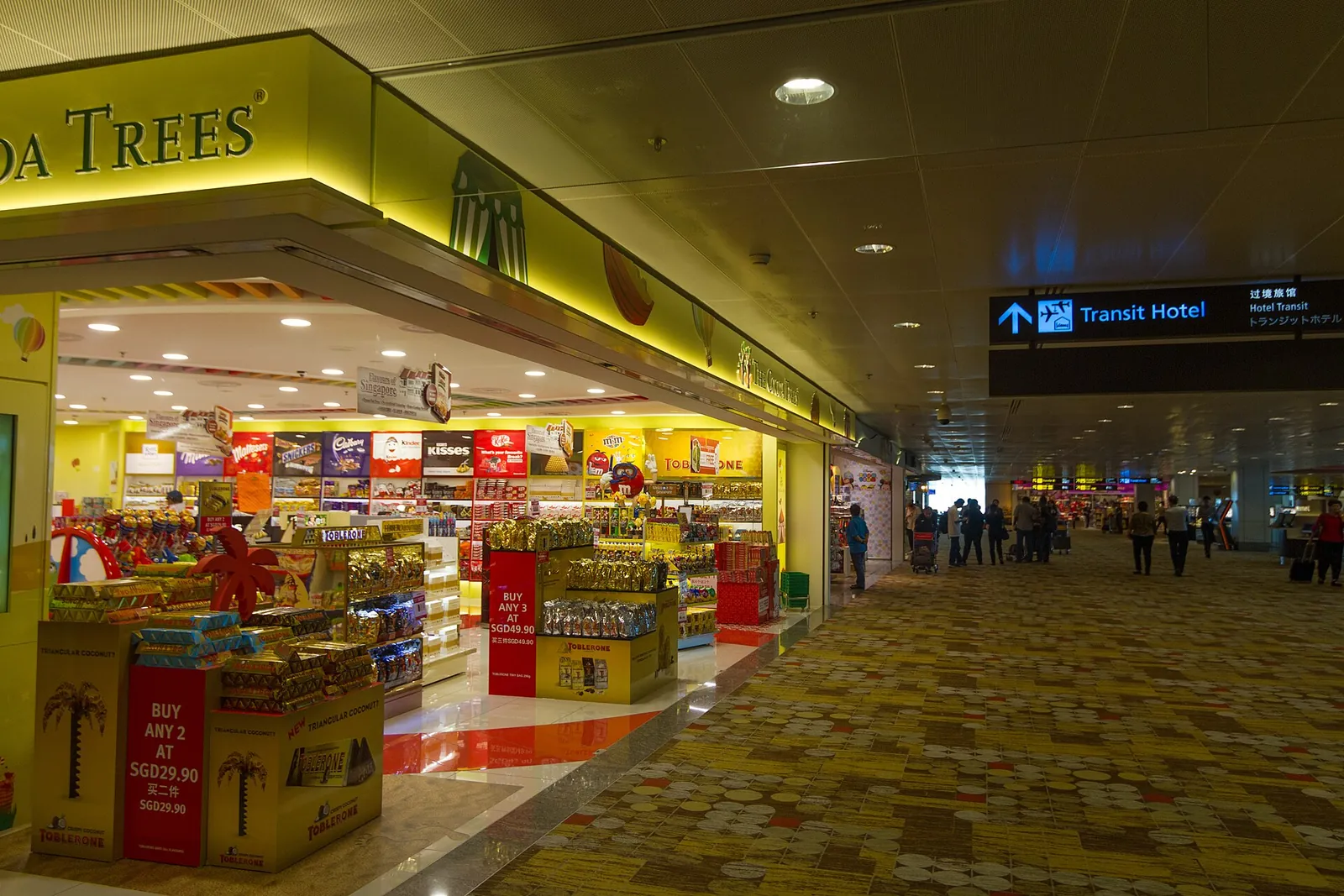
Retail space at Changi Airport, photographed in 2016.
Photograph: Maksym Kozlenko — opens in a new tab · CC BY-SA 4.0 — opens in a new tab
Changes: Resized and converted to WebP; displayed with responsive crops. · Original photograph and licence details ↗ — opens in a new tab
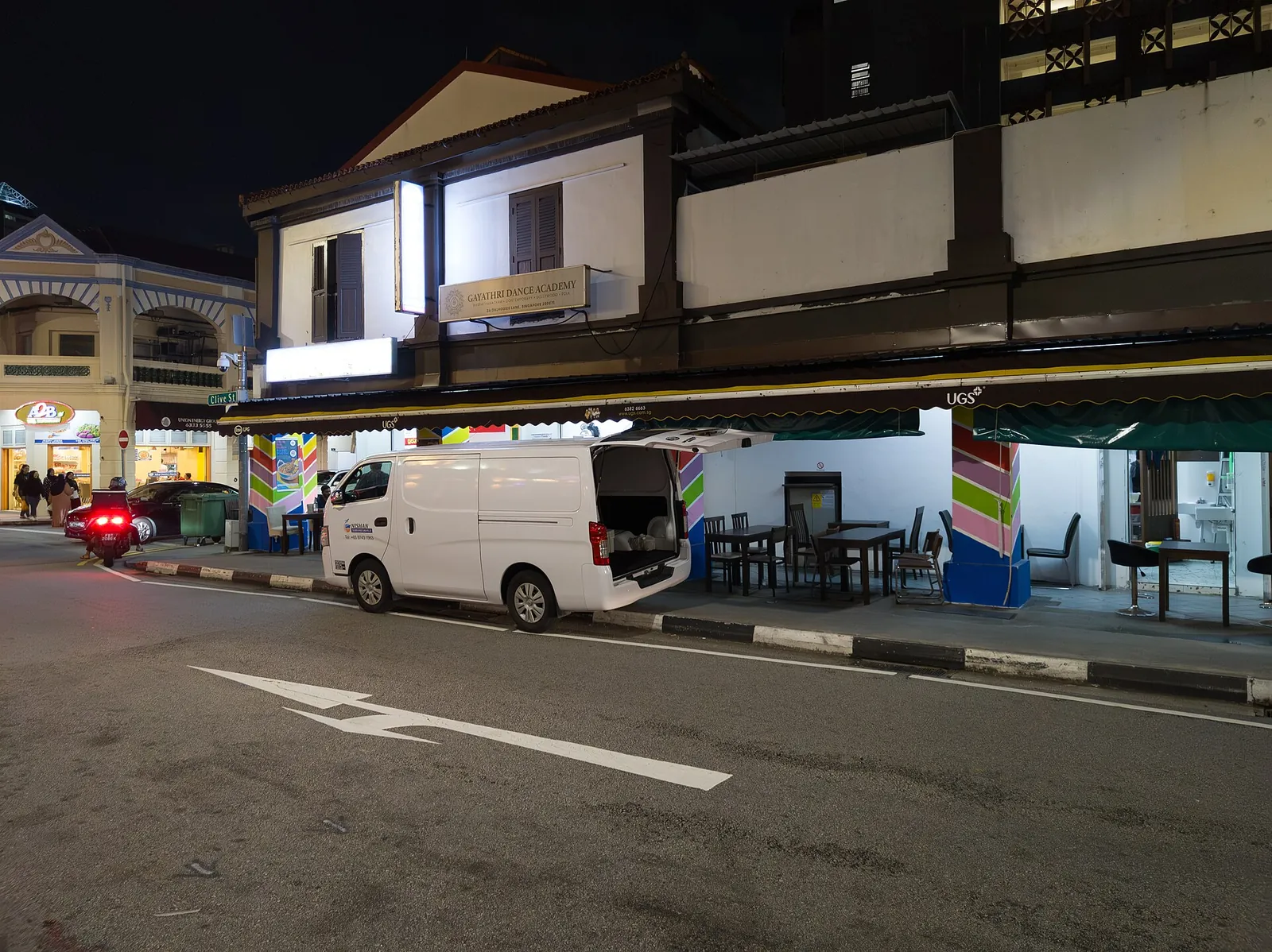
A Little India street after dark, photographed in 2023.
Photograph: Matti Blume — opens in a new tab · CC BY-SA 4.0 — opens in a new tab
Changes: Resized and converted to WebP; displayed with responsive crops. · Original photograph and licence details ↗ — opens in a new tab